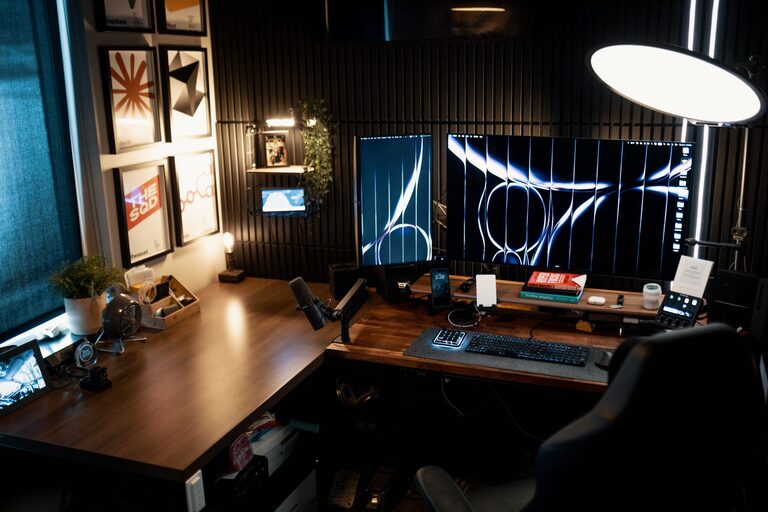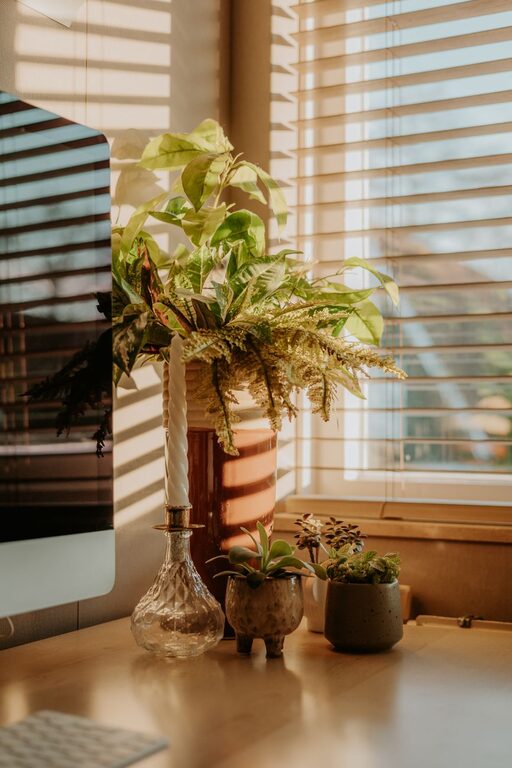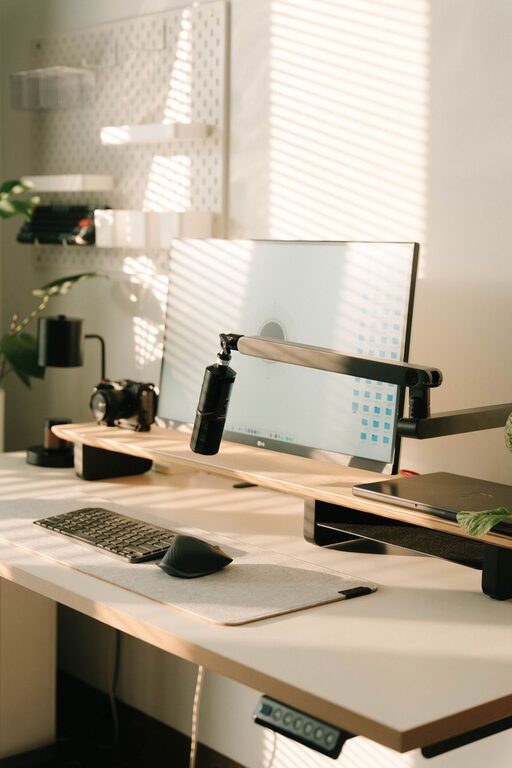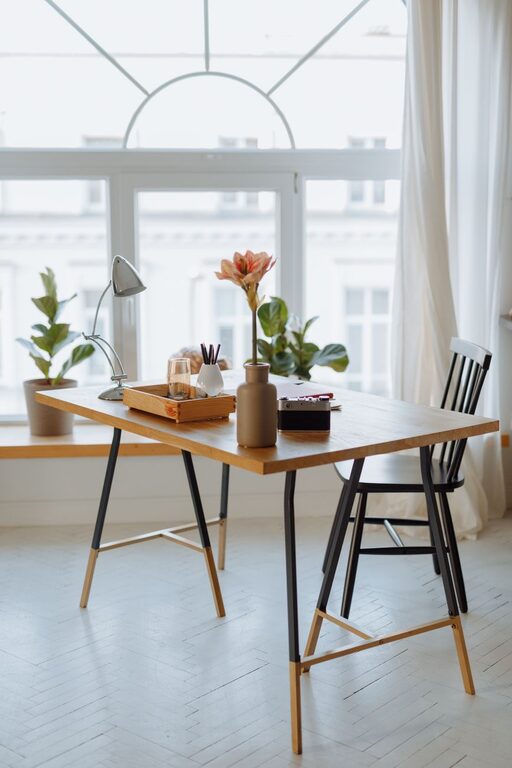


Creating a comfortable and productive home office space is essential, especially as more people embrace remote work. Whether you’re new to working from home or looking to improve your current setup, having the right environment can make a big difference. This guide offers practical tips to help you design a workspace that supports focus, comfort, and efficiency.
Choose the Right Location
Start by selecting the best spot in your home for your office. Consider these factors:
– Natural light: Try to position your desk near a window to take advantage of natural light, which helps reduce eye strain and improve mood.
– Quietness: Find a space away from household noise and distractions. If you don’t have a spare room, consider using room dividers or noise-canceling headphones.
– Space: Ensure there’s enough room for your desk, chair, and any other essentials without feeling cramped.
Invest in Ergonomic Furniture
Comfort is key to staying productive. Ergonomic furniture supports your body and reduces the risk of discomfort or injury.
– Chair: Choose an adjustable chair with good lumbar support. Your feet should rest flat on the floor, and your knees should be at a 90-degree angle.
– Desk: Your desk height should allow your arms to rest comfortably at a 90-degree angle when typing.
– Monitor: Position your computer monitor at eye level to avoid neck strain.
Organize Your Desk Effectively
A cluttered desk can make it hard to focus. Keep your workspace tidy with these organization tips:
– Minimal essentials: Keep only the items you use daily on your desk.
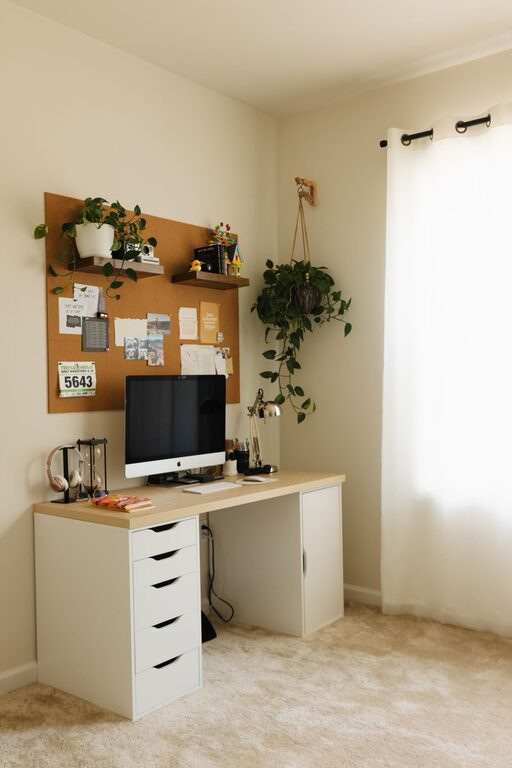
– Storage solutions: Use drawers, shelves, or organizers to store supplies and documents.
– Cable management: Use clips or ties to keep cords neat and prevent tangling.
Personalize Your Space
Adding personal touches helps create an inviting atmosphere that you enjoy spending time in.
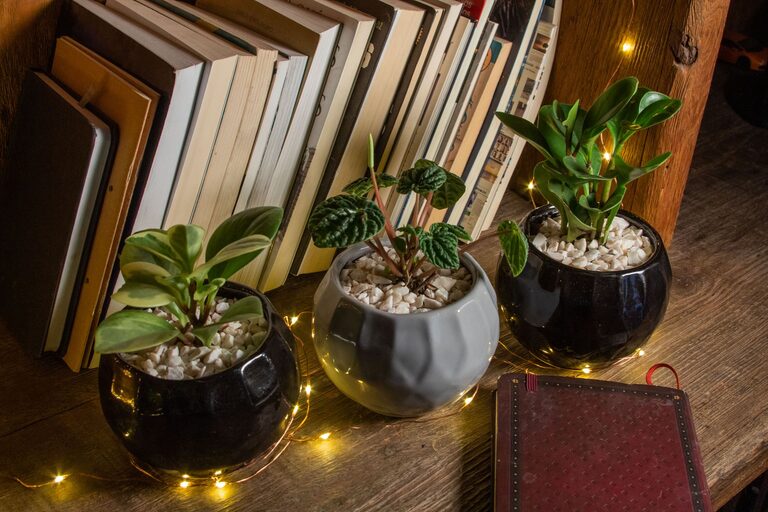
– Plants: Small plants can improve air quality and add a touch of nature.
– Artwork: Hang pictures or inspiration boards that motivate you.
– Lighting: Add a desk lamp with adjustable brightness for work after dark.
Manage Technology Efficiently
Having the right tools set up properly can enhance your workflow.
– Reliable internet: Ensure you have a strong, stable internet connection.
– Peripherals: Invest in a good keyboard, mouse, and headset if needed.
– Backup: Regularly back up your files to avoid data loss.
Set Boundaries to Separate Work and Home Life
Defining work hours and spaces helps maintain balance.
– Set a schedule: Create consistent start and end times for your workday.
– Use signals: Let family or roommates know when you’re working to minimize interruptions.
– Take breaks: Step away from your desk periodically to rest your eyes and stretch.
Optimize Lighting and Air Quality
The physical environment affects your comfort and attention.
– Light sources: Use a combination of natural and artificial lighting to reduce glare and shadows.
– Ventilation: Keep your workspace well-ventilated to stay alert and comfortable.
– Temperature: Aim for a moderate room temperature to avoid distraction.
Stay Inspired and Motivated
Your workspace should encourage focus and creativity.
– Vision board: Create a board with goals and inspiring quotes.
– Music or ambient sound: Some people work better with background sounds, so experiment with what works for you.
– Regular improvements: Periodically update your space to keep it fresh and motivating.
Conclusion
Designing a home office that’s both comfortable and productive doesn’t require a big budget or major renovations. By choosing the right location, investing in ergonomic furniture, organizing your desk, and setting clear boundaries, you can create a workspace that helps you do your best work daily. Remember, your home office should be a place where you feel inspired and comfortable, making work-from-home life a positive experience.