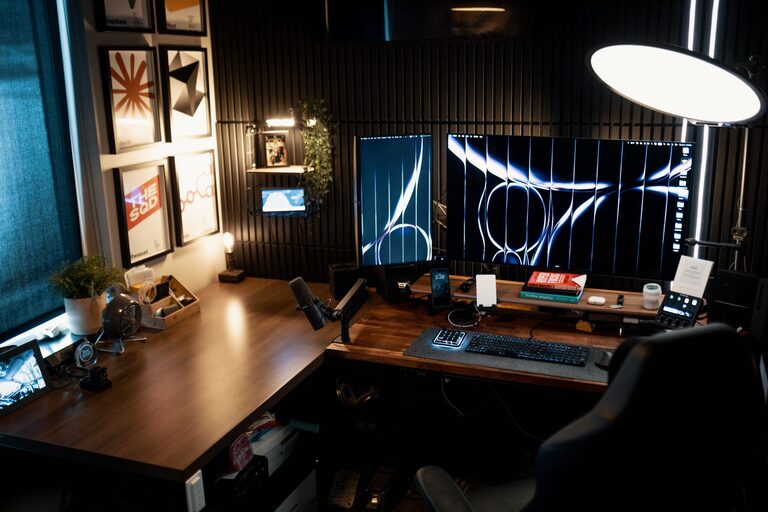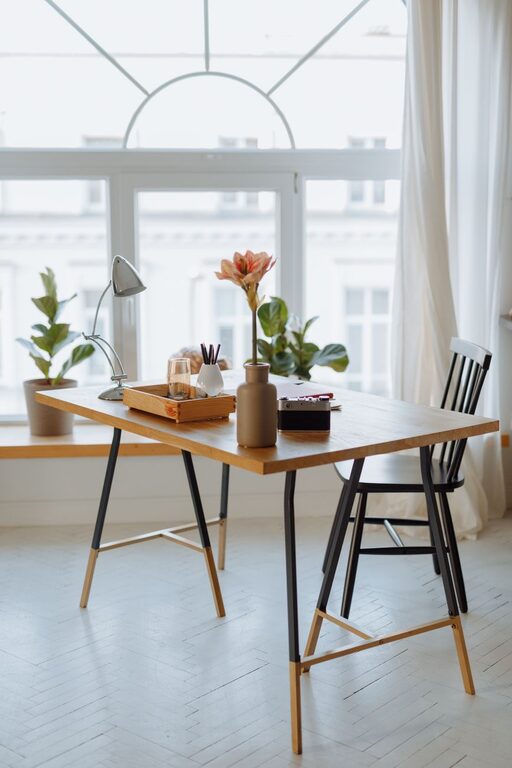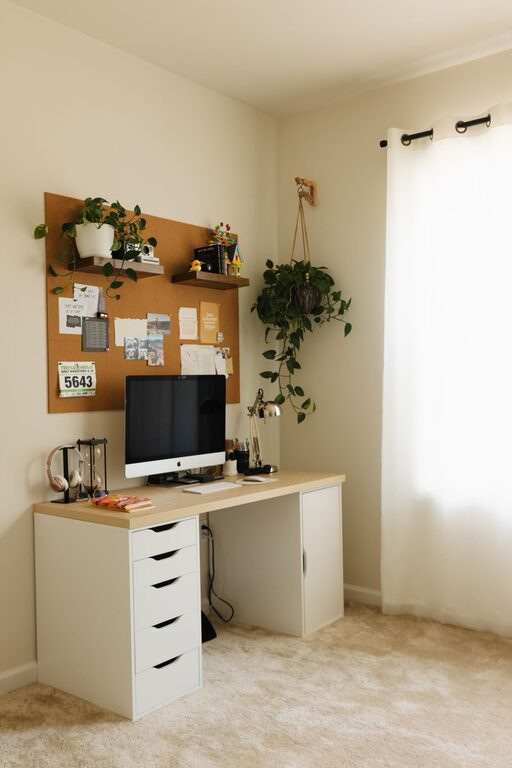

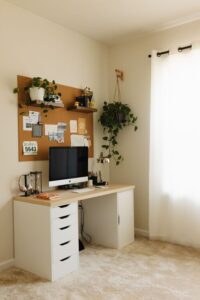


Creating a relaxing home workspace is essential for staying focused, motivated, and comfortable throughout your workday. Whether you’re working remotely full-time or just need a dedicated spot for occasional tasks, a calm and well-organized environment helps reduce stress and improve efficiency. In this post, we’ll explore practical tips to help you design a home workspace that feels inviting and supports your productivity.
Why a Relaxing Workspace Matters
Your workspace affects your mood and performance. A cluttered, noisy, or uncomfortable area can cause distractions and fatigue, while a peaceful and organized setup promotes concentration and well-being. By intentionally designing your workspace to be relaxing and functional, you can make work feel less like a chore and more enjoyable.
Choose the Right Location
Find a Quiet Spot
Look for a space in your home where you can work with minimal interruptions. This might be a spare room, a corner of the living room, or a section of your bedroom. If possible, pick a location away from high-traffic areas to reduce noise and distractions.
Consider Natural Light
Natural light helps improve mood and alertness. Position your desk close to a window to soak in daylight, but avoid glare on your computer screen by adjusting curtains or blinds. If natural light is limited, add a quality desk lamp with adjustable brightness.
Invest in Comfort and Ergonomics
Choose a Supportive Chair
A comfortable, ergonomic chair with proper lumbar support is crucial. It helps prevent back pain and encourages good posture during long work sessions. If budget allows, look for chairs labeled as adjustable so you can customize height, tilt, and armrests.
Adjust Desk Height and Monitor Level
Your desk and monitor level should keep your arms at a 90-degree angle and your eyes looking slightly downward. This position reduces strain on your neck, shoulders, and wrists. Consider using a monitor stand or an adjustable desk if available.
Keep Your Workspace Organized
Declutter Regularly
Clutter can elevate stress and make it harder to focus. Keep only essential items on your desk and store supplies in drawers or containers. Schedule weekly clean-ups to maintain tidiness and clear away any distractions.
Use Storage Solutions
Drawers, shelves, and organizers help keep things in order. Use labeled bins or trays for papers, office supplies, and electronic accessories. Vertical storage or wall-mounted organizers save desk space and keep important items visible.
Add Calming Elements
Incorporate Plants
Adding greenery can bring life to your workspace and improve air quality. Small potted plants like succulents or spider plants require minimal care but provide a pleasant natural touch.
Choose Soothing Colors
Colors can influence your mood. Soft tones like pale blues, greens, or neutrals usually promote calm and focus. You can paint your walls, choose artwork, or select office accessories in gentle colors to create a serene environment.
Personalize Thoughtfully
Add a few personal touches such as photos, inspirational quotes, or small decorative items. Keep these minimal to avoid clutter, but enough to make your workspace feel welcoming.
Manage Noise and Distractions
Use Noise-Canceling Headphones or White Noise
If your home is noisy or busy, noise-canceling headphones can help you concentrate. Alternatively, consider a white noise machine or app to mask background sounds.
Set Boundaries
Communicate your work hours to others in your household to minimize interruptions. Use visual cues like a closed door or “do not disturb” sign when deep focus is needed.
Maintain Healthy Work Habits
Take Regular Breaks
Stand up, stretch, and rest your eyes every hour. Short breaks help reduce fatigue and boost productivity.
Stay Hydrated and Nourished
Keep a water bottle nearby and have healthy snacks on hand to stay energized throughout the day.
Optimize Technology
Organize Cables
Tangled cords create visual clutter and frustration. Use cable organizers, clips, or sleeves to keep wires neat and out of the way.
Ensure Reliable Internet
A stable, fast internet connection minimizes interruptions during video calls or file transfers. If needed, place your workspace near your router or consider a wired connection.
Final Thoughts
Creating a relaxing home workspace isn’t about having the fanciest setup. It’s about tailoring your space to support your comfort, reduce distractions, and encourage productivity. By choosing the right location, investing in comfort, maintaining organization, and adding calming touches, you can transform your work area into a peaceful retreat that makes working from home more enjoyable and effective.
Remember, small changes can make a big difference. Start with one or two tips and adjust over time to find what works best for you!